Classic hierarchy
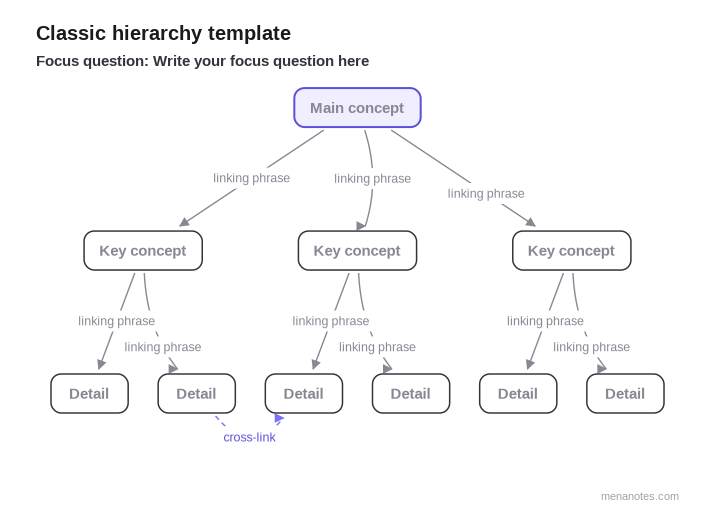
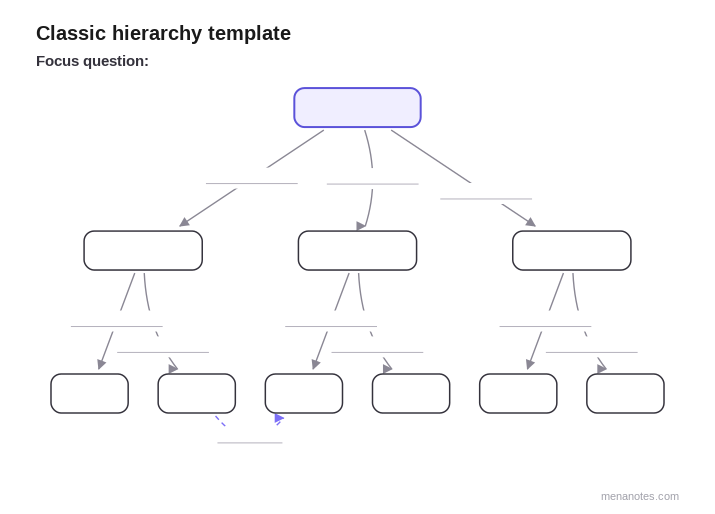
One main concept, three key ideas and two details under each. The default shape for most topics.

Five layouts in blank and starter versions. Print one, download it as SVG or PNG, or paste it into Mena and fill it in on iPad.
One main concept, three key ideas and two details under each. The default shape for most topics.
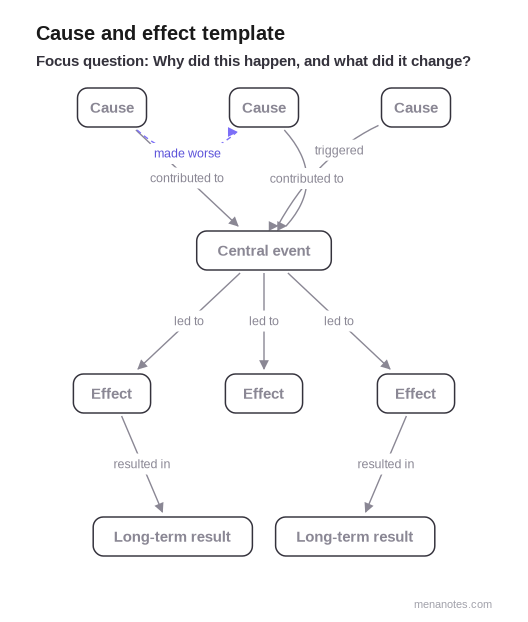
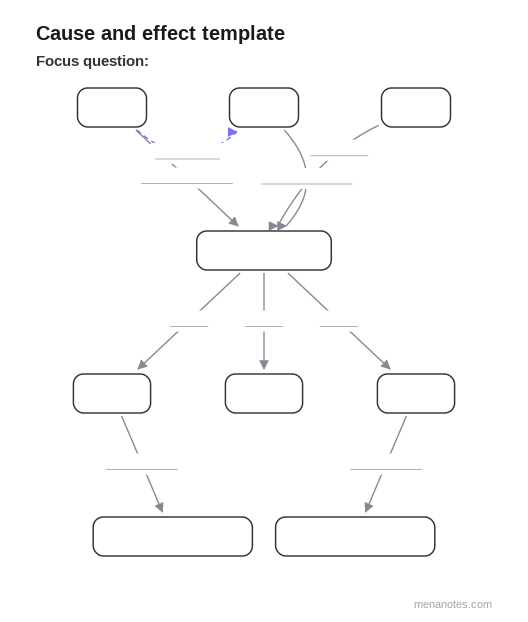
An event in the middle, its causes above and its effects below. Good for history and science processes.
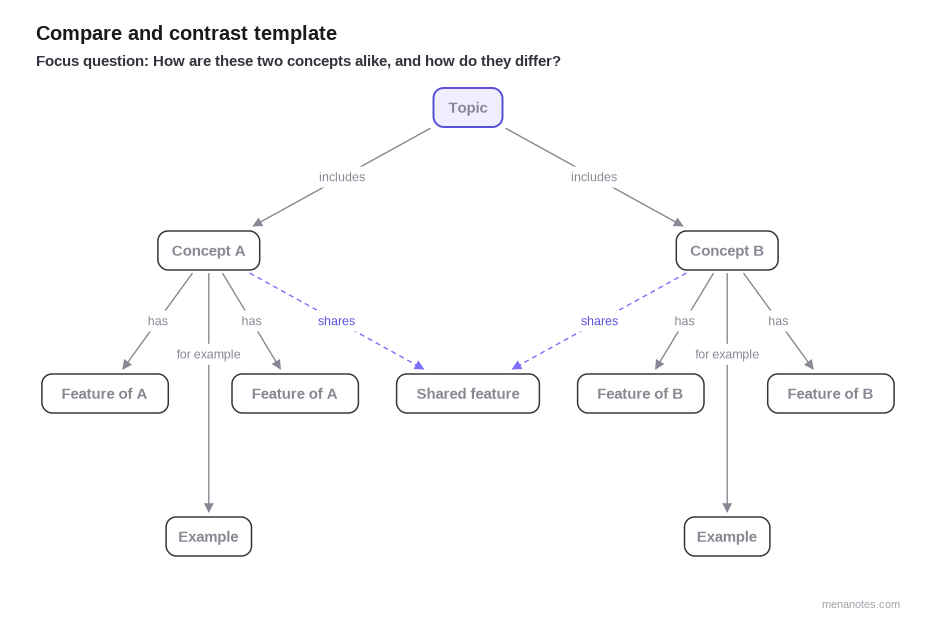
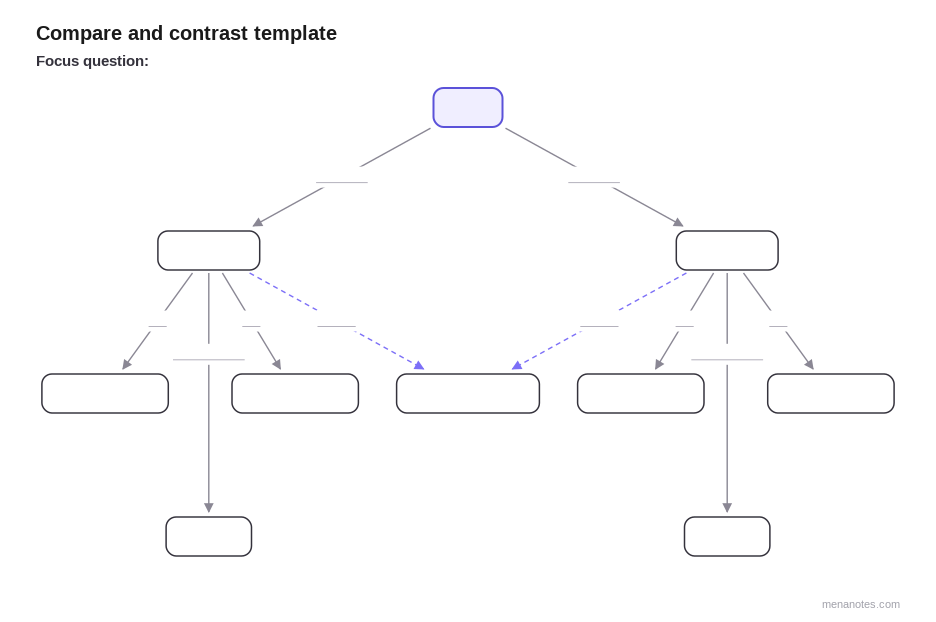
Two related concepts side by side, with what they share in the middle.
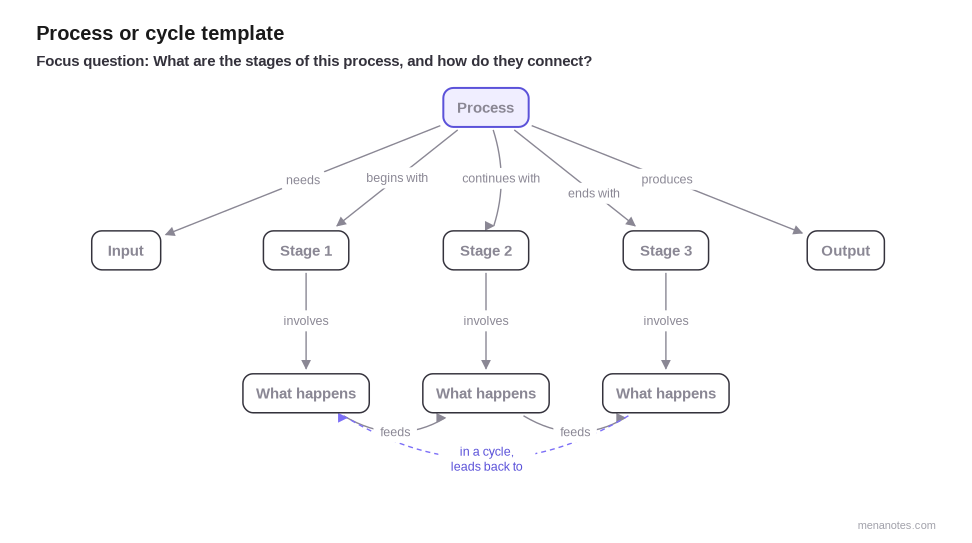
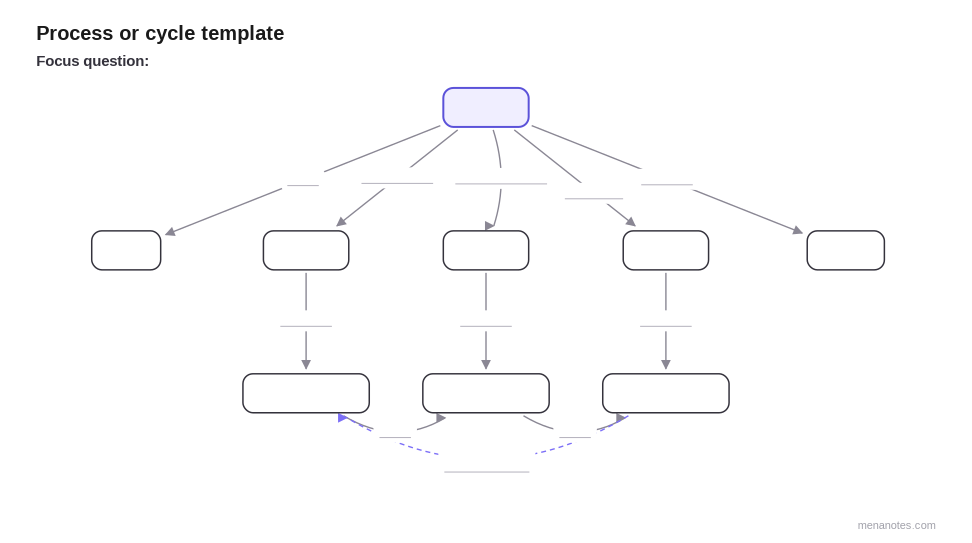
Four stages with their inputs and outputs, and a link back to the start for cycles.
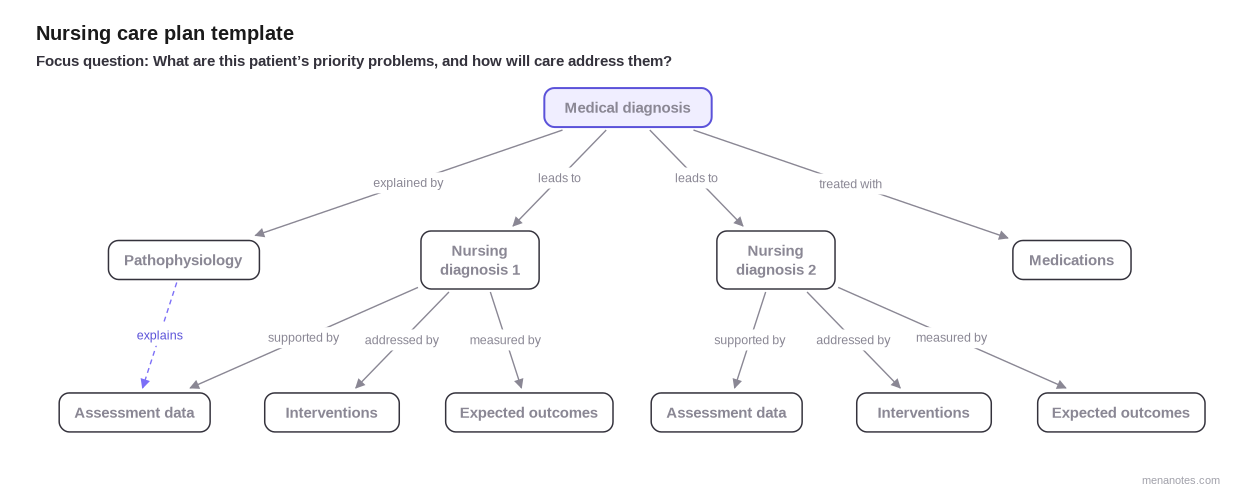
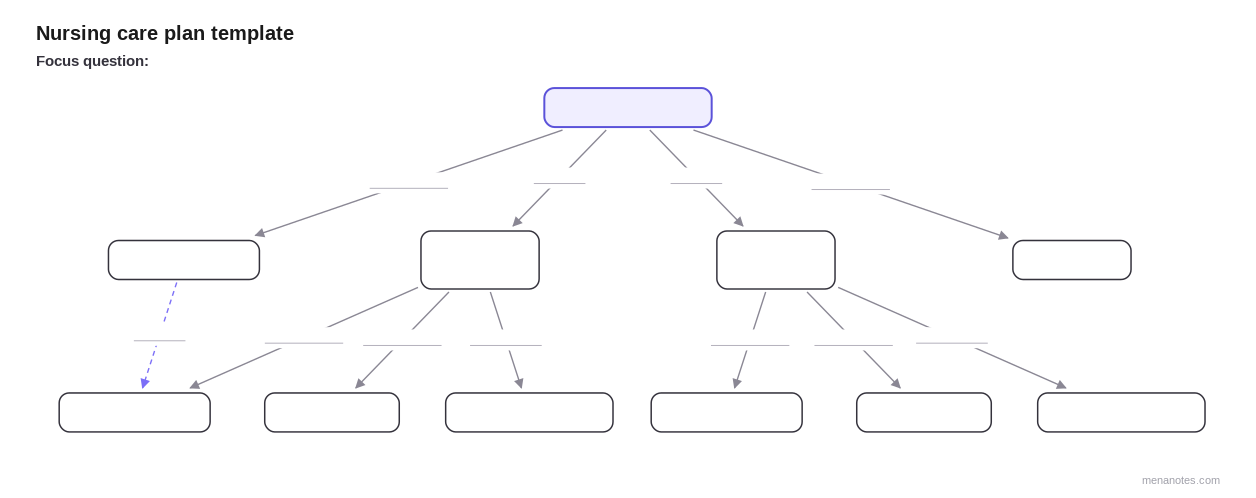
The medical diagnosis at the top, two nursing diagnoses, each with its assessment data, interventions and outcomes.
Not sure what a finished one looks like? Browse the concept map examples, from photosynthesis to the causes of World War I.
Paste the classic hierarchy template into a Mena board, then rename boxes, add links and sketch with Apple Pencil. Free to start on iPad, iPhone and Mac.
Get Mena on the App StoreUse the Print button under a template to print just that one, or download the SVG and print it from any browser. SVG files stay sharp at any paper size; landscape suits the wider templates.
The blank version has empty concept boxes and empty lines for linking phrases, ready to fill in by hand. The starter version labels each box with its role, such as “Key concept” or “Cause”, as a guide.
Yes. Copy a template as text and paste it into a Mena board with Diagram from Text, then rename the boxes and links. You can also open the SVG in any app that edits vector images.